
Losing the code for your audio system can turn a trip into a rather silent experience, especially if this system is protected by an anti-theft device like that of the Renault Clio 4. This situation is quite common after a battery disconnection or when purchasing a used vehicle without the owner’s manual. However, it is possible to remedy this setback without too much hassle. The solution often involves a code recovery procedure, which can be obtained from the manufacturer or through dedicated online tools.
Procedures to recover the code for your Renault Clio 4 car radio
The loss of the Clio 4 radio code is not a fatality. Indeed, several avenues are available to users eager to regain access to their audio system. One of the most direct methods is to contact the car manufacturer, which, for security reasons, protects its car radios with a coding system. This process involves providing the vehicle identification number (VIN), easily found on the registration document. This crucial information will allow the dealer or an affiliated garage to retrieve the precious code.
For the more tech-savvy, the myRenault app represents a technological alternative. Available on Android or iOS, it is designed to address such inconveniences by providing, after verifying your owner credentials, the necessary Renault radio code. Be sure to download the app, register if you haven’t already, and follow the specified instructions to access the unlock code.
In the event that official channels are not fruitful, online decoding services and code generators present themselves as backup solutions. These services use the radio’s pre-code, a combination of numbers and a letter, to generate the radio code. However, consider the reliability and legitimacy of these services before seeking their help, as they operate outside the manufacturer’s approved channels.
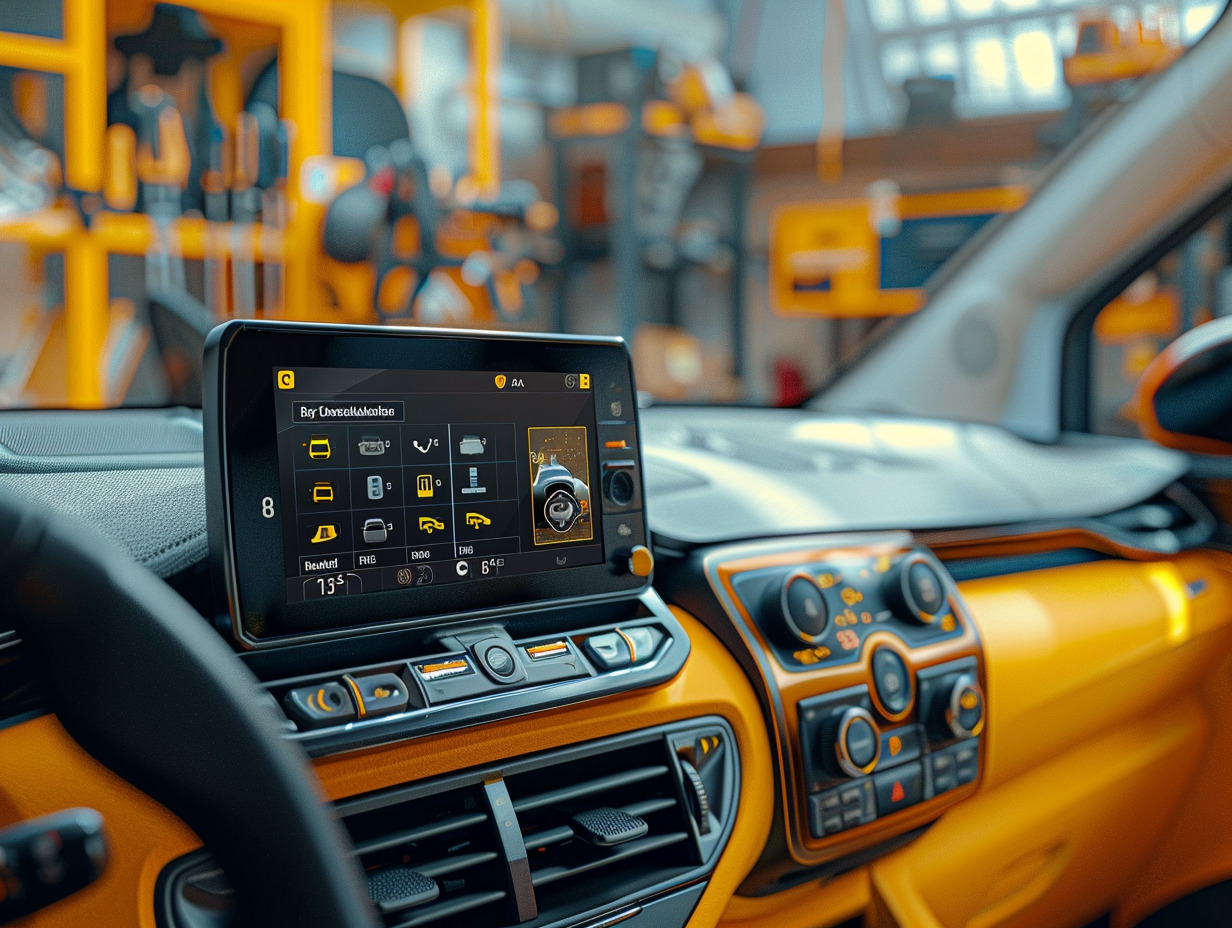
Steps to enter the code and unlock your audio system
Once you have the security code for the car radio, unlocking your audio system is done in a few precise steps. First, turn on your car radio; it should display ‘Code’ or a similar prompt indicating that it is ready for code entry. Use the preset station buttons to enter the digits of the radio code. Each press will increment the displayed number, allowing you to align the code correctly. Once the numbers are entered correctly, confirm the entry, often by pressing and holding the confirmation button or by pressing the ‘OK’ button.
If there is an error during entry, the audio system may temporarily lock. Do not enter random codes, as repeated incorrect attempts can lead to a longer lockout of the system. If this happens, you will need to wait a specified time before trying again. Be sure to follow the procedure carefully to avoid this inconvenience.
The unlocking of the car radio is immediate after entering the correct unlock code. Access to all audio features, including modern technologies like Carplay, is then restored, allowing you to fully enjoy your in-car multimedia experience again. Keep your code in a safe place to avoid repeating these steps in the future.